May 10, 2026
Back in 2018, I wrote a blog called Optimizing Win10 OS Upgrade WIM Sizes. The goal was to keep OS upgrade times as low as possible by using a patched WIM that contained the latest updates. Back then, admins had to do this themselves. Fast forward, and Microsoft now provides updated media monthly via Visual Studio downloads (aka MSDN) and the Microsoft 365 Admin Center (aka VLSC). These usually come out the week following patch Tuesday.
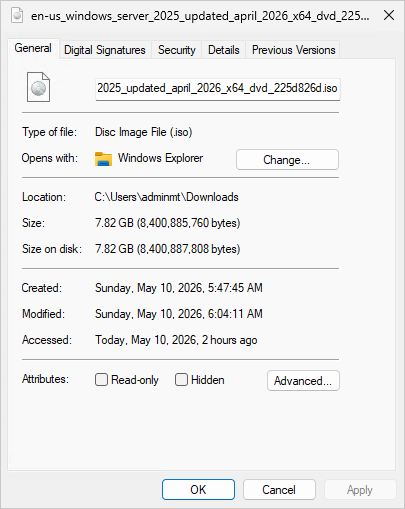
As I am doing a lot of OSD testing with various operating systems using 2Pint Software DeployR, it is beneficial to make the deployments as efficient as possible. Currently testing Windows Server 2025, I downloaded the April 2026 ISO from Visual Studio. The ISO size is 7.82 GB in size:
The install.wim accounts for 6.98 GB of that ISO size:
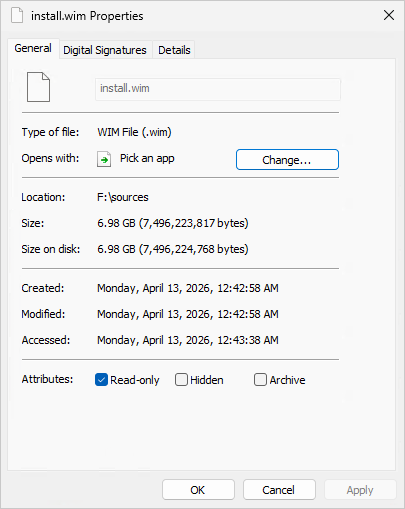
This makes those Windows 10 1703 WIM sizes look rather small at 3-4 GB in size.
If we look at the contents of the install.wim, we can see that it contains multiple indexes for the other versions of the OS:
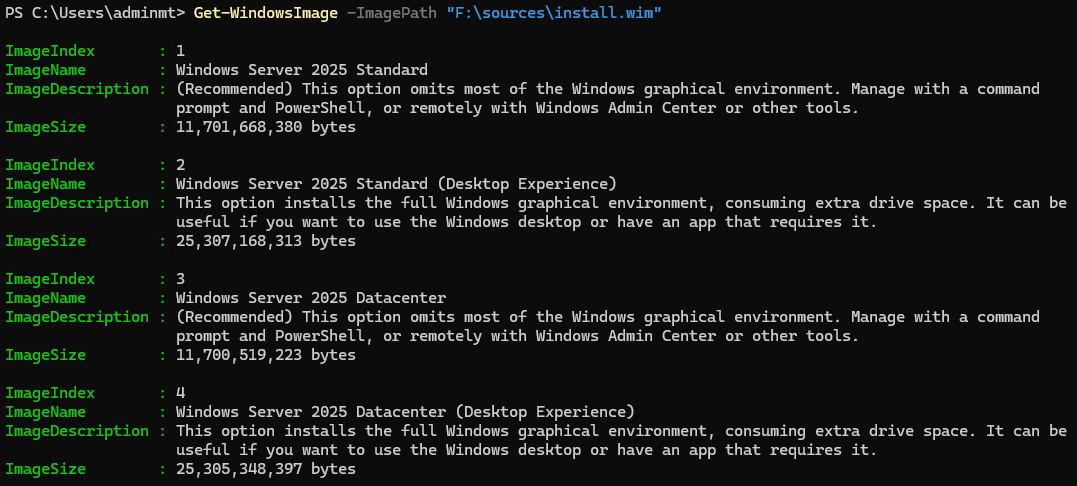
Since I am only interested in testing and deploying Windows Server 2025 Standard (Desktop Experience), I am going to export this index out to see if we can get the WIM size any smaller.Export-WindowsImage -SourceImagePath "F:\sources\install.wim" -SourceIndex 2 -DestinationImagePath "C:\Temp\install.wim"
This managed to reduce the WIM size by 0.25 GB, which might not sound like a lot but it all adds up:
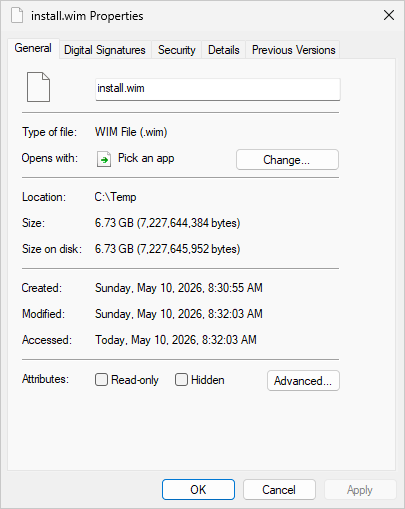
If this is the first time exporting out to a single index WIM, be sure to update the step that applies the OS to use index 1. Remember, WIM files dedupe very well and when using them with BranchCache you will see really good peering efficiencies. Hopefully this helps speed up your deployments. Now back to more testing…
Originally posted on https://miketerrill.net/

